How to Use Meta's WhatsApp AI Agents on Website: 2026 Guide
More than a million businesses put Meta’s new WhatsApp AI agent to work within weeks after it launched. That rapid adoption shows a common challenge: customers expect quick replies, even after business hours.
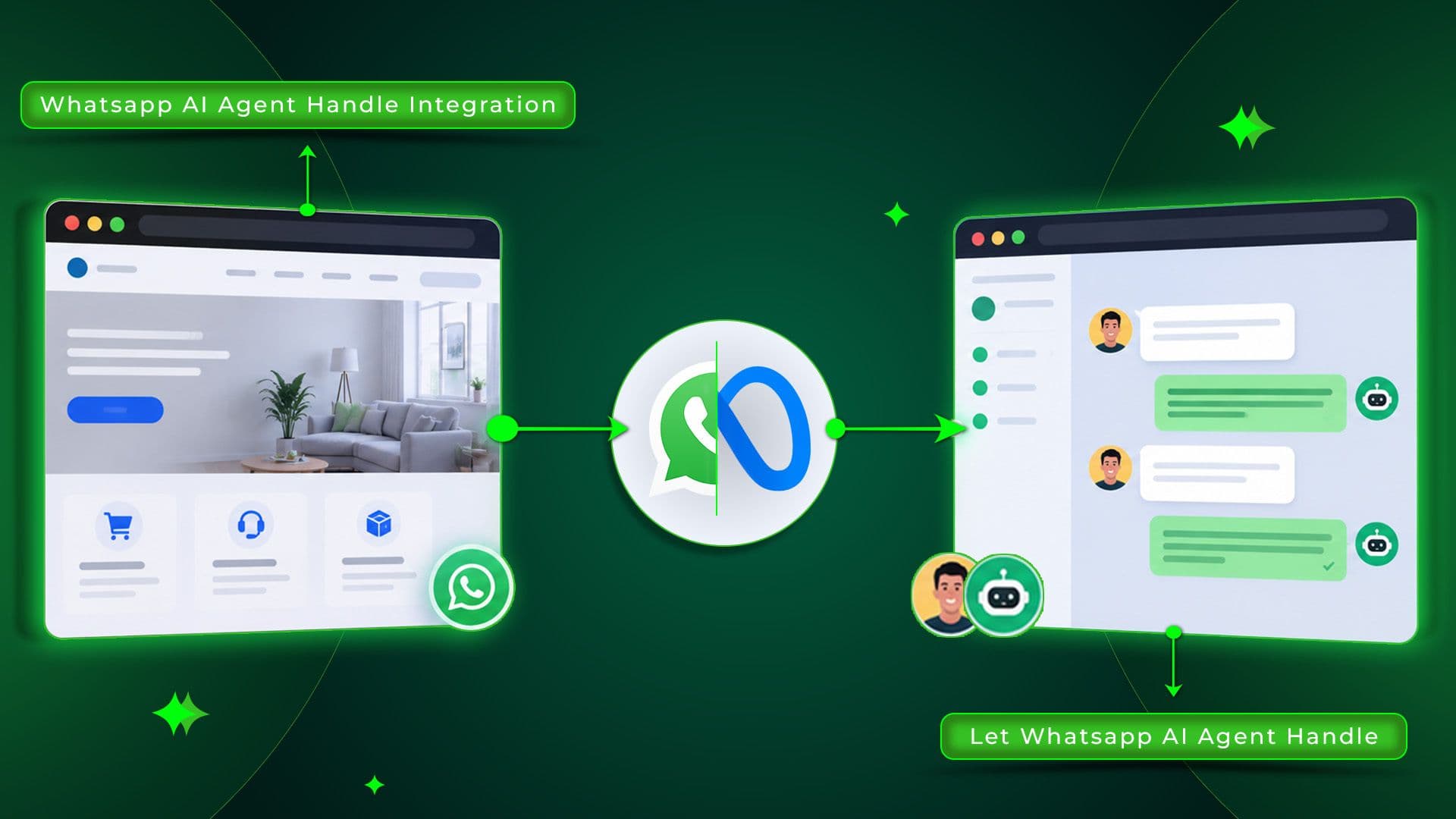
Meta’s Business Agent helps in a pretty straight forward way by answering questions right on WhatsApp, using details from your website, product catalog, and those FAQs you already have.
This guide will explain how it works. Also, you’ll learn how to use Meta’s WhatsApp AI agents on your website, step by step.
Key Takeaways
- Meta Business Agent learns from your website, catalog, FAQs, and past chats.
- Setup happens inside the WhatsApp Business app, under Tools.
- Helps customers with answers, product suggestions, and bookings
- Trusted by more than 1 million businesses shortly after launch
- You control tone, knowledge sources, and when a human takes over.
- Free to start through July 2026, with token-based pricing beginning August 1.
What Are Meta's AI WhatsApp Agents?
Meta's AI WhatsApp agents, officially called Meta Business Agents, are AI assistants that chat with customers directly inside WhatsApp on a business's behalf.
They take info from your website, product catalog, FAQs, price lists and even past conversations, then reply in a more natural way.
And it’s not only WhatsApp either, but the same agent also shows up across Instagram and Messenger, so customers still receive consistent guidance no matter where they end up reaching out.
How Do Meta's AI WhatsApp Agents Work?
The agent links with your current business material and turns it into kind of conversational responses. Like, when someone asks, “Do you have this in size 9?”, this AI tool goes and verifies your catalog, then replies right away.
It can even gather small bits of info like where the customer is, or their preferred time, before passing the chat back to your team. It keeps learning as you add more website content, chats, and documents over time.
Benefits of Using Meta's WhatsApp AI Agents on Your Website
Connecting your website to this agent turns passive browsing into active conversation. Here's what that actually delivers:
24/7 Availability
Customers get instant answers, even at 11 PM or on holidays. So, no more losing leads because of slow replies.
Faster Lead Capture
It captures contact details and customer intent automatically. Then, your team stays focused on leads that are ready to move forward.
Consistent Brand Voice
The AI pulls information from your own content. So replies stay accurate and match your brand.
Reduced Support Load
Instantly answers common questions about hours, pricing, and stock. Your team gets more time for high value conversations.
Cross-Platform Reach
A single AI agent can serve all your channels. It works on WhatsApp, Instagram, and Messenger without separate training.
What You Need Before You Begin
A few requirements should be completed before you connect your website. Like:
- Access to an active WhatsApp Business account or app.
- A Meta Business Account linked to your business.
- A live, publicly accessible website with clear product or service information.
- Updated FAQs, pricing, and catalog details ready to feed the agent.
- Admin access to your Meta Business tools to authorize the connection.
A Quick Note on Pricing
Meta Business Agent is free during its initial rollout, but that changes soon. From August 1, 2026, Meta will charge based on token usage, about $2 per million tokens.
That's only a few cents for simple chats and up to around 24 cents for longer sales conversations. Smaller businesses will move to WhatsApp Business Premium, while larger businesses will pay based on usage.
6-Step Guide on How to Use Meta's WhatsApp AI Agents on a Website
Getting your website connected takes six steps. None of them require coding, but skipping preparation usually means a weaker agent later.
Create a Meta Business Account
Start at business.facebook.com and set up a Meta Business account if you don't already have one. This account manages your WhatsApp Business, Instagram, and Messenger in one place.
You'll need it before you can set up a Meta AI agent. Enter your business name, category, and contact details accurately. The AI agent uses this information when introducing your business to customers.
2. Set Up WhatsApp Business Platform
Start by installing the WhatsApp Business app. You can also connect your existing WhatsApp Business Platform account to your Meta Business Account.
Verify your business phone number, since this is the number customers will message. This step also unlocks access to Tools, the menu where Meta Business Agent setup lives once it's available to your account.
3. Create and Configure Your AI Agent
Inside the WhatsApp Business app, open Tools and select Meta Business Agent. Authenticate your account when prompted, then confirm the connection to your Meta Business Account.
This step activates the agent framework, though it won't know anything about your business yet, that comes in the next steps.
4. Connect Your Website to WhatsApp AI
During setup, you'll be prompted to add a knowledge source. Enter your website URL here so the agent can read your pages, product listings, and service details.
This step is essential for how to use Meta's WhatsApp AI agents on website. Your website serves as one of the agent's primary sources of information.
5. Train Your AI Agent With Business Information
Besides your website, also add your product catalog, pricing list, FAQs, and related documents. The agent can learn from past WhatsApp conversations and also from your Facebook Page posts if you allow it.
Just make sure your website info stays complete and always up to date. That way, the AI agent will give more accurate responses.
6. Test and Launch Your AI Agent
Before going live, send test messages covering common customer questions and check the responses for accuracy and tone.
Adjust the personality control settings if replies feel off-brand. Once everything looks right, activate the AI agent. You can review and improve its performance anytime.
Key Features of Meta's WhatsApp AI Agents
Beyond basic questions and answers, the agent offers tools for everyday business tasks. Like:
- Answers customer questions using your website, catalog, and FAQs.
- Recommends products based on customer needs.
- Books appointments and qualifies leads automatically.
- Handoff rules that route complex chats to a human teammate.
- Manages chats across WhatsApp, Instagram, and Messenger.
- Connects with Shopify, Zendesk, and other business tools.
Common Setup Mistakes to Avoid
A weak setup leads to vague or inaccurate answers, and most causes are avoidable.
- Connecting an outdated website with old pricing or discontinued products.
- Skipping FAQ training, leaving the agent to guess at common questions.
- Ignoring test conversations before launching to real customers.
- Never adjusting the personality control, resulting in a generic tone.
- Forgetting to set handoff rules, so no human ever gets looped in.
- Leaving the agent untouched after launch instead of updating it regularly.
- Assuming access stays free indefinitely instead of planning for token-based billing.
Conclusion
Learning how to use Meta's WhatsApp AI agents on website content is quickly becoming less optional and more expected, especially with over a million businesses already live within weeks of launch.
The setup itself is straightforward, like connecting your account and linking your website. Add your business information, then test everything before going live.
The best results come from keeping your AI agent updated. It can respond to customers around the clock. Your team can focus on the questions that need human support.

Usama Shareef
Usama Shareef is the COO of Mahraj Technologies, bringing strong expertise in SEO content writing, software QA, and development testing. He specializes in delivering high-quality digital solutions with a focus on performance, accuracy, and scalable growth