How to Sell on ChatGPT with WooCommerce Using AI Agents?
A customer goes and searches for "comfortable running shoes under $80" in ChatGPT. Then it suggests a bunch of fitting products and, after that, points the customer to the store checkout so they can just finish the purchase.
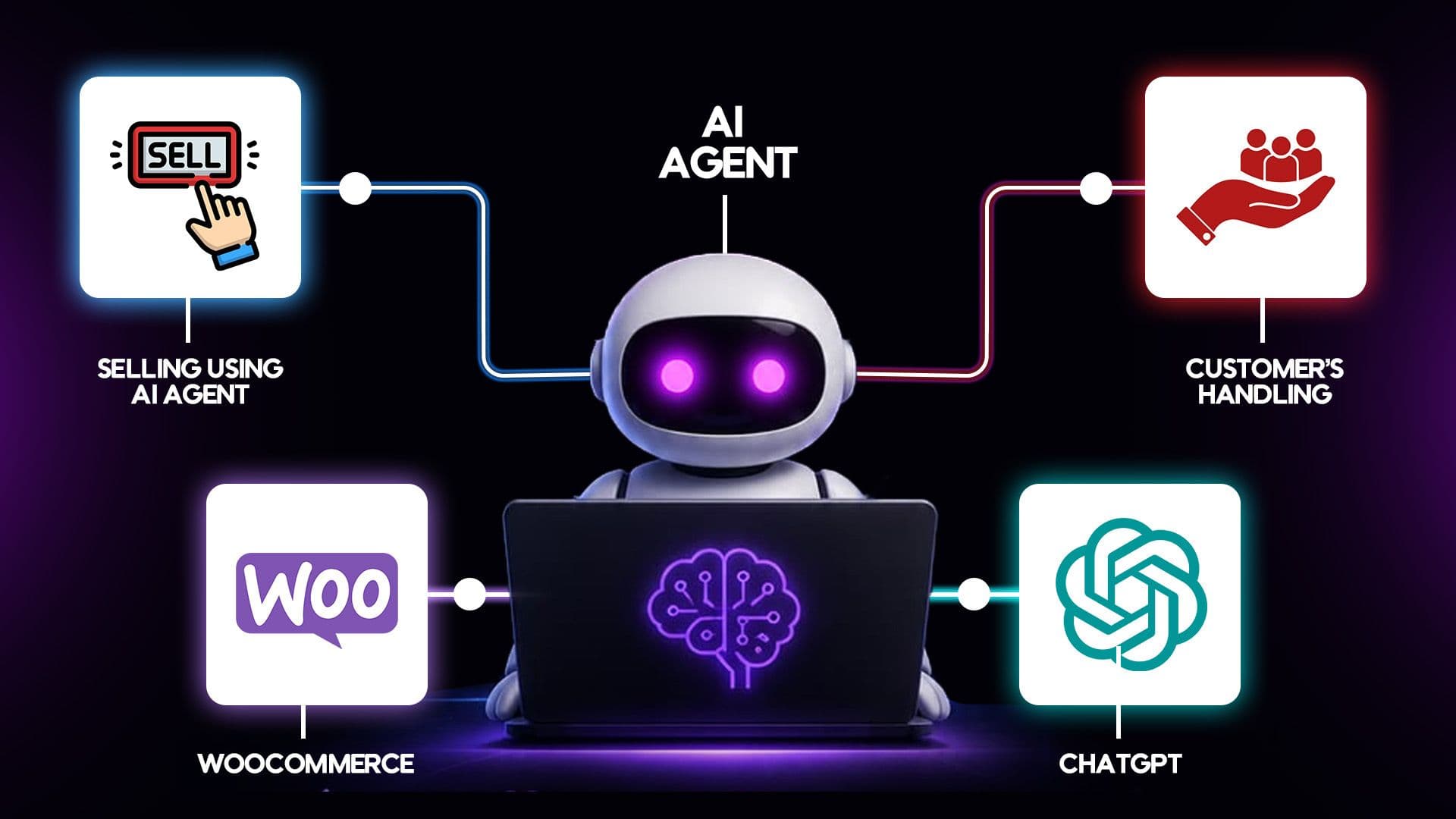
A customer goes and searches for "comfortable running shoes under $80" in ChatGPT. Then it suggests a bunch of fitting products and, after that, points the customer to the store checkout so they can just finish the purchase.
This kind of agentic commerce is powered by OpenAI’s Agentic Commerce Protocol, and honestly, it’s already starting to reshape the way people shop online. Store owners who delay adoption may miss opportunities to reach AI-first buyers.
If you're wondering how to sell on ChatGPT with WooCommerce, this guide explains agentic commerce and what your store needs. You'll also learn the setup process, common mistakes, and the best plugins.
Key Takeaways
- Selling on ChatGPT with WooCommerce starts with registering as an OpenAI merchant.
- Clean product data, especially GTIN or MPN codes, is required before your feed gets approved.
- Several WooCommerce plugins can generate an OpenAI-ready feed, each with different strengths.
- ChatGPT sends shoppers to your own WooCommerce checkout to complete every purchase.
- Getting listed as a merchant is free; some feed plugins charge for advanced features.
- Feed accuracy directly affects whether ChatGPT shows or skips your products.
What Is Agentic Commerce and How Do AI Agents Shop?
Agentic commerce basically means that an AI assistant does the shopping and compares stuff for a person on their behalf and not just tosses out some recommendation links.
Like, ChatGPT goes and reads a store's product feed to understand its listings. It checks prices, stock availability, and product reviews.
Then, it recommends products that best match the customer's request using the Agentic Commerce Protocol built with Stripe. The shopper clicks through, and your own store completes the checkout in seconds.
Why Should WooCommerce Store Owners Sell Through AI Agents?
Agentic commerce basically means that an AI assistant does the shopping and compares stuff for a person on their behalf and not just tosses out some recommendation links.
Like, ChatGPT goes and reads a store's product feed to understand its listings. It checks prices, stock availability, and product reviews.
Then, it recommends products that best match the customer's request using the Agentic Commerce Protocol built with Stripe. The shopper clicks through, and your own store completes the checkout in seconds.
Why Should WooCommerce Store Owners Sell Through AI Agents?
Millions of people now ask ChatGPT for buying guidance instead of searching Google, and honestly, it makes sense.
But if your products aren't in a feed ready format, then ChatGPT just can’t recommend them, it’s like it has nothing sensible to work with.
Selling through how to sell on ChatGPT with WooCommerce setups puts your store in front of buyers at the exact moment they're ready to purchase, with fewer steps between question and sale.
What You'll Need Before You Start
Before touching any plugin, gather these basics so the setup goes smoothly.
- A WooCommerce store with accurate, updated product listings
- GTIN, UPC, or MPN codes for every product you want listed
- High-quality product images and clear titles
- Published return policy, privacy policy, and terms of service pages
- A working WooCommerce checkout already set up and tested
- Schema.org product markup (JSON-LD) already added to product pages
6-Step Guide About How to Sell on ChatGPT with WooCommerce Using AI Agents
Getting your WooCommerce store ready for ChatGPT selling takes six steps. Follow them in order, since skipping ahead usually causes feed rejections later.
Step 1
Register as an OpenAI Merchant
Start by visiting OpenAI's merchant application page at chatgpt.com/merchants. Fill in your business name, region, and product categories, then agree to OpenAI's merchant policies before submitting.
You'll get a confirmation email once OpenAI receives your form, and the team contacts you when the next stage opens for your store. Submitting early puts you on OpenAI's radar, even before full WooCommerce access opens in your region.
Step 2
Clean and Structure Your Product Data (GTIN/MPN, titles, categories)
ChatGPT needs standardized identifiers to match products correctly, so add these first:
- GTIN, UPC, or MPN codes via WooCommerce's product meta fields
- Clear, specific titles, avoiding vague names or duplicates
- Correct categories, with outdated listings removed
- High-resolution images, since AI results often display them directly
Once the basics are in place, confirm your product pages carry schema.org Product structured data (JSON-LD), so AI systems can read your listings correctly.
Step 3
Compare WooCommerce AI Feed Plugins
Never settle for the first plugin you find. A few stand out for different reasons:
- AdTribes Product Feed Pro: Free, unlimited products and feeds, with a direct OpenAI feed option.
- CTX Feed: 220+ templates, stronger for large catalogs, though its free tier has limits.
- RexTheme Feed Manager: Free tier, purpose-built, runs a readiness check before generating your feed.
Select the plugin that best fits your business requirements. Always review its update history before installing it.
Step 4
Configure and Generate Your ChatGPT Product Feed
Open your chosen plugin and create a new feed, then select OpenAI or ChatGPT from the channel dropdown.
Map each field carefully, especially title, price, availability, category, and identifiers, and set your return, privacy, and terms URLs in the feed settings, since these are required.
Enable automatic feed refresh, then review the generated feed for missing fields before submitting.
Step 5
Submit Your Feed for Validation
Copy your feed URL from the plugin dashboard and submit it through your OpenAI merchant account for review. This will usually take 24 to 48 hours.
OpenAI checks it against its Product Feed Specification, flagging missing fields or invalid identifiers. Fix flagged errors, regenerate the feed, and resubmit until validation passes.
A simple checklist of past rejection reasons helps future updates avoid repeat mistakes.
Step 6
Monitor and Optimize Performance
Once live, check your analytics dashboard regularly to see which products appear, get clicked, and convert.
Refresh your feed often, especially after price or stock changes, and watch for products that aren't showing up, since missing data or blocked bot access is usually the cause.
Track ChatGPT orders alongside other sales channels. Adjust pricing and optimize your setup over time.
Common Mistakes to Avoid
A few small errors cause most feed rejections and lost sales:
- Skipping GTIN or MPN codes, which stops products from matching correctly
- Leaving return or privacy policy pages missing from the site
- Forgetting to refresh the feed after price or stock changes
- Using vague or duplicate product titles across listings
- Blocking GPTBot or ChatGPT-User from crawling your site
- Treating feed setup as a one-time task instead of ongoing work
- Submitting a feed once and never revisiting it as your catalog changes
Conclusion
Learning how to sell on ChatGPT with WooCommerce gives your business an early advantage. ChatGPT is becoming a valuable channel for product discovery and sales.
Clean product data and the right feed setup prepare your store for success. You'll be ready when broader ChatGPT access becomes available.
Start small, fix errors as they surface, and keep your feed fresh. The stores that prepare early will have a real head start once agentic shopping becomes mainstream.

Usama Shareef
Usama Shareef is the COO of Mahraj Technologies, bringing strong expertise in SEO content writing, software QA, and development testing. He specializes in delivering high-quality digital solutions with a focus on performance, accuracy, and scalable growth