How to Create an Online Store: A Detailed Guide
Many small businesses struggle to reach more customers because of location. An online store removes those limits by letting you sell anytime, anywhere. With the right idea plus a clean plan, basically anyone can put together a working online business.
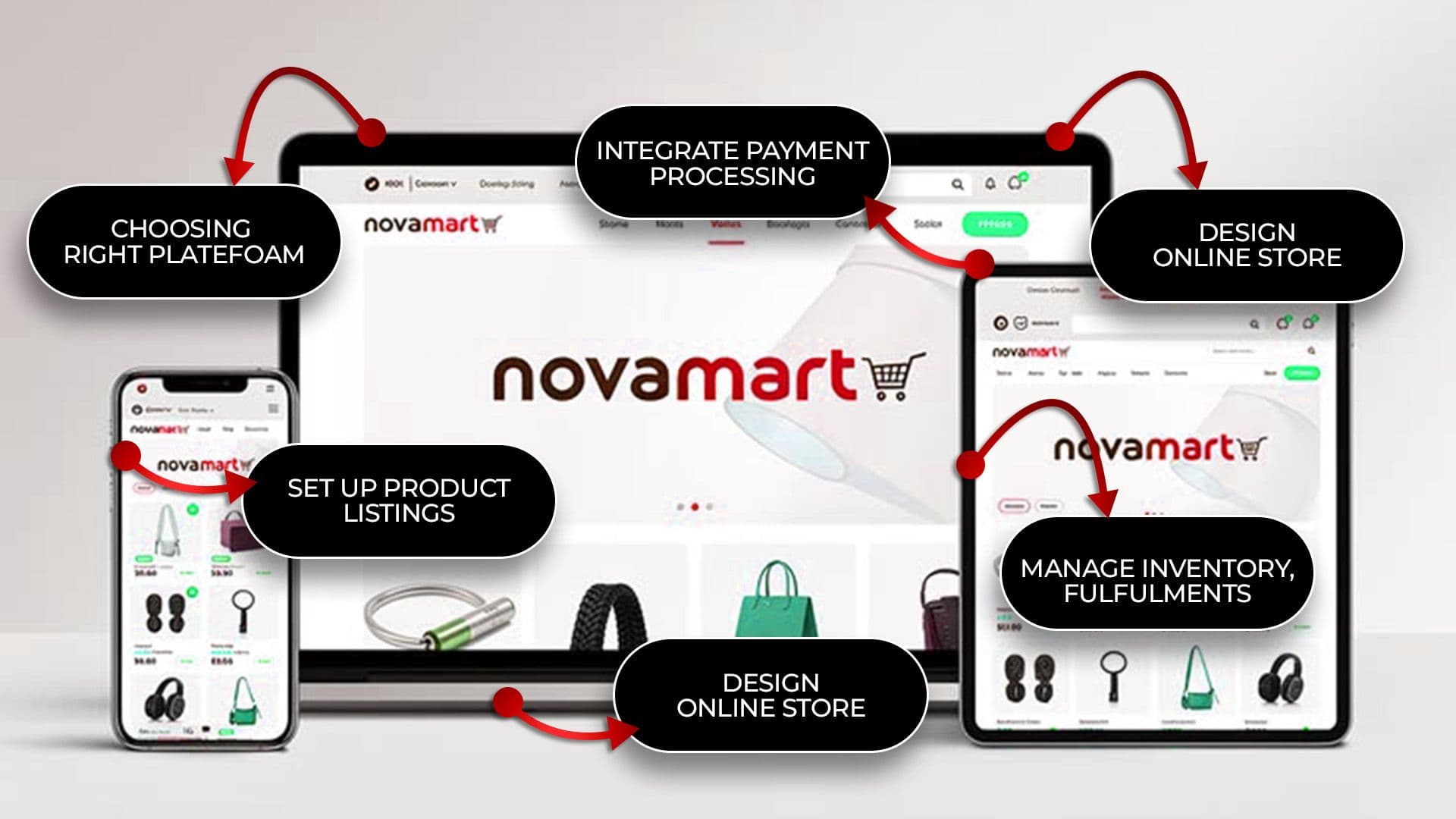
Follow this guide to create your online store step by step. Learn how to choose products and make your first sale with simple methods.
Key Takeaways
- Choose the right niche and platform.
- Keep your store fast and mobile-friendly.
- Build trust with clear pages and secure payments.
- Focus on SEO and website speed.
- Test everything before launch.
- Keep marketing after your store goes live.
What Is an Online Store?
An online store is a website where businesses offer products or services directly to customers over the internet. It turns your everyday physical shop into an online store.
Customers are able to browse, make payments, and finish the purchase whenever they want, from anywhere, really, at any time.
How an Online Store Works
So the online shop ties a product catalog, a cart, and that payment system together in the same place.
After the customer wraps up checkout, the platform manages the payment, and it also dispatches an order confirmation. Shipping kicks in as well, right away, without any salesperson hovering around.
Types of Online Stores
There are several common store models to choose from:
- B2C: Selling directly to shoppers
- B2B: Selling to other companies
- Dropshipping stores: Selling without holding inventory
- Subscription stores: Recurring product or service delivery
- Digital product stores: Selling downloads, courses, or software
Benefits of Creating an Online Store
An online store offers benefits that a physical shop simply can't provide. Here's what you gain:
- Access to customers beyond your local area, even worldwide
- Lower overhead than renting and staffing a physical shop
- The store stays open 24/7, generating sales while you sleep
- Easy tracking of customer behavior and sales data
- Grow with more products and visitors
- Promote across social media, email, and search
13-Step Detailed Guide for Creating an Online Store
Follow this detailed guide for creating your online store:
1. Define Your Business Idea and Products
Before building anything, get clear on what you’re actually selling and who it’s for. This base decides almost every call after that, from the platform choice to the pricing. Skipping this step is the main reason brand-new shops trip up, over and over.
Choose a Profitable Niche
Pick a niche with steady demand but manageable competition. Check search trends, social media interest, and existing sellers.
Keeping it focused helps you reach the right audience and stand out from competitors, even if you’re smaller at first.
Identify Your Target Audience
Research your target customers, including their age, location, income, and shopping behavior. It helps you make smarter marketing decisions and reduce unnecessary ad costs.
Research Your Competitors
Review competitors' products, pricing, and feedback. Identify areas they have overlooked. This research shows you exactly where your store can win, without repeating others' mistakes.
2. Choose the Right eCommerce Platform
The right platform supports your store's design, cost, and long-term growth. Compare platform features before you decide. Because changing later is often expensive.
Shopify
Shopify is a beginner-friendly hosted eCommerce platform that handles hosting, security, and updates. It also offers thousands of apps and themes for easy store setup.
WooCommerce
WooCommerce is a free WordPress plugin that offers complete customization. It needs separate hosting but provides more control and lower long-term expenses.
Magento
Magento is a solid fit for big companies, especially when the catalog is complicated. You get a lot of flexibility, but you will need experienced developers, plus a bigger hosting budget.
BigCommerce
BigCommerce is a hosted platform. It comes with built-in capabilities and supports selling across multiple channels. It can cope with heavy traffic, and you may not need as many extra paid add-ons or apps.
Wix eCommerce
Wix eCommerce gives you a drag-and-drop builder, with selling tools already there. It works best for small shops that want an easy setup and a clean design flow, more than advanced customization.
3. Register a Domain Name
Your domain name is basically your store’s address and also part of your brand, you can say.
Pick it carefully, because when you change it later, it can mess with customer trust a bit and SEO too. So, use a trusted company to register your domain.
Tips for Choosing a Domain Name
- Select a short domain that's easy to type.
- Leave out numbers and confusing words.
- Choose .com whenever possible.
- Make it relevant to your brand.
- Check trademarks before buying.
4. Select Reliable Web Hosting
Your hosting impacts speed, uptime, and security, like it’s all tied together. So, choose a provider that’s designed for eCommerce, not just a basic shared hosting plan, because otherwise it’s slower and more fragile.
Hosting Requirements for Online Stores
- SSD storage for faster page loading
- SSL certificate for secure checkout
- Guaranteed uptime above 99.9%
- Scalable bandwidth for traffic spikes
- Daily backups and strong customer support
5. Design Your Online Store
Design really messes with those first impressions and the overall conversion vibe. If your store feels hard to move through, customers can just bounce before they actually grab anything or even buy.
Choose a Responsive Theme
Try to choose something that works for all screen sizes automatically. This way, a mobile-friendly design helps people stay longer, and it boosts search visibility too.
Create an Easy Navigation
Use clean category sections, add a search bar, and include filters so shoppers can find items quickly. If the navigation feels confusing, it could lead to lost sales, and that’s not great.
Optimize User Experience
Try to keep the pages simple and the buttons clear so the whole checkout stays smooth. When there are fewer clicks, shoppers tend to finish buying.
6. Add Your Products
Every product page matters. Clear descriptions and quality images help customers make confident buying decisions.
Write Product Descriptions
Describe the benefits, not only the features, in simple language. Include info on size, materials, and the good uses, not just where it can go. This helps answer the buyers' questions early, build trust faster, and can cut down on returns a lot.
Upload High-Quality Images
Add high-quality photos from different angles and close-ups. Since customers can't touch products, poor images can lead to abandoned carts.
Organize Products into Categories
Put the different products into clear categories so customers can browse more easily, like they don’t have to think too much. It also helps search engines understand what’s where, and it tends to nudge people toward bigger carts.
7. Set Up Payment Methods
Trusted payment options improve checkout completion. Still, some shoppers will stop midway and abandon carts if their favorite payment method is not there, or if the whole process feels unsafe.
Credit or Debit Cards
Use a secure payment gateway to accept major credit and debit cards. Every online store should offer this payment option.
Digital Wallets
Add Apple Pay, Google Pay, and PayPal so people can check out on mobile with one-tap payment, because it speeds up the process.
This feature is especially useful because quite a few shoppers actually buy on their phones, rather than desktop devices.
Bank Transfers
Offer bank transfers for large orders or B2B customers. They are slower but ideal for invoice-based purchases and avoiding card fees.
8. Configure Shipping Options
Shipping plays a key role in completing a sale. Unexpected charges and unclear delivery times can drive customers away.
Shipping Methods
Provide standard, expedited, and local pickup options. Multiple delivery choices increase customer satisfaction and reduce support requests.
Shipping Costs
Use flat rate, free shipping, or calculate it depending on the order. Try not to tack on hidden fees, since those are a pretty common reason customers go away without buying.
Delivery Policies
Clearly explain delivery times, tracking, and international shipping. Transparent policies build trust and reduce customer support requests.
9. Set Up Taxes and Legal Pages
Legal compliance builds trust and, basically, keeps your business safe. If you forget some of the legal pages, it can end up leading to fines and also some real reputation damage.
Privacy Policy
Describe the customer data you collect and its purpose. It helps reassure visitors and meets legal requirements.
Terms & Conditions
Lay out your shop’s rules and payment terms and also spell out the liability limits a bit clearly. It kind of helps you guard your business if later a customer dispute comes up and gets messy.
Return & Refund Policy
Clearly explain your return, exchange, and refund policies, including timeframes. A visible policy builds trust and reduces buying hesitation.
10. Make Your Store Mobile Friendly
Since most people shop on mobile, your store must look and work great on all devices. Keep navigation simple and checkout fast. A simple shopping experience helps increase conversions.
11. Improve Website Speed and Performance
A one-second delay in load time can noticeably reduce conversions. Compress images and use caching with fast hosting. Limit unnecessary apps and scripts to keep your store loading quickly.
12. Test Your Online Store Before Launch
Testing catches costly errors before real customers ever see them. Treat this step seriously before launching your store. A broken checkout can cost you both sales and customer trust.
Test Checkout Process
- Place a full test order from start to finish
- Confirm confirmation emails are sent correctly
- Check that order details save accurately
Test Payment Gateway
- Run a small live transaction if possible
- Verify the refund process works correctly
- Confirm multiple payment methods all work
Check Mobile Responsiveness
- Test on several real devices, not just browser previews
- Confirm images and buttons display properly
- Check load speed on mobile data, not just Wi-Fi
13. Launch Your Online Store
After testing is all done, announce the launch via email and social media channels. Try to keep a close watch on the first orders coming in and deal with any odd issues that show up, especially during those first days.
Don’t hesitate to act fast if something feels off, because the early window can be pretty telling.
Common Mistakes to Avoid When Creating an Online Store
Avoid these common pitfalls that quietly cost sales and credibility:
- Skipping niche and audience research before building
- Choosing a platform based on price alone
- Using low-quality product images
- Ignoring mobile optimization
- Hiding shipping costs until checkout
- Launching without testing the full purchase flow
- Neglecting SEO from day one
Tips to Grow Your Online Store
Growth continues well past launch day. Keep these strategies active:
- Build an email list for promotions.
- Share products and reviews on social media.
- Collect real customer feedback.
- Run ads for abandoned carts.
- Optimize product pages often.
- Track performance with analytics.
Conclusion
Getting an online shop going isn't as hard anymore, and it’s not only for the already established brands.
With some careful planning and the right platform, plus a profitable narrow market, you can build a store that reaches customers worldwide.
Follow this guide about how to make an online store, from the initial setup all the way to expansion. Start now with one simple move, and then stack your progress step by step, with steady confidence.

Usama Shareef
Usama Shareef is the COO of Mahraj Technologies, bringing strong expertise in SEO content writing, software QA, and development testing. He specializes in delivering high-quality digital solutions with a focus on performance, accuracy, and scalable growth