Google Business Profile Management: How It Works
Your Google Business Profile creates a first impression. Without updates, it can slowly lose ground. For example, incorrect or outdated hours can confuse visito
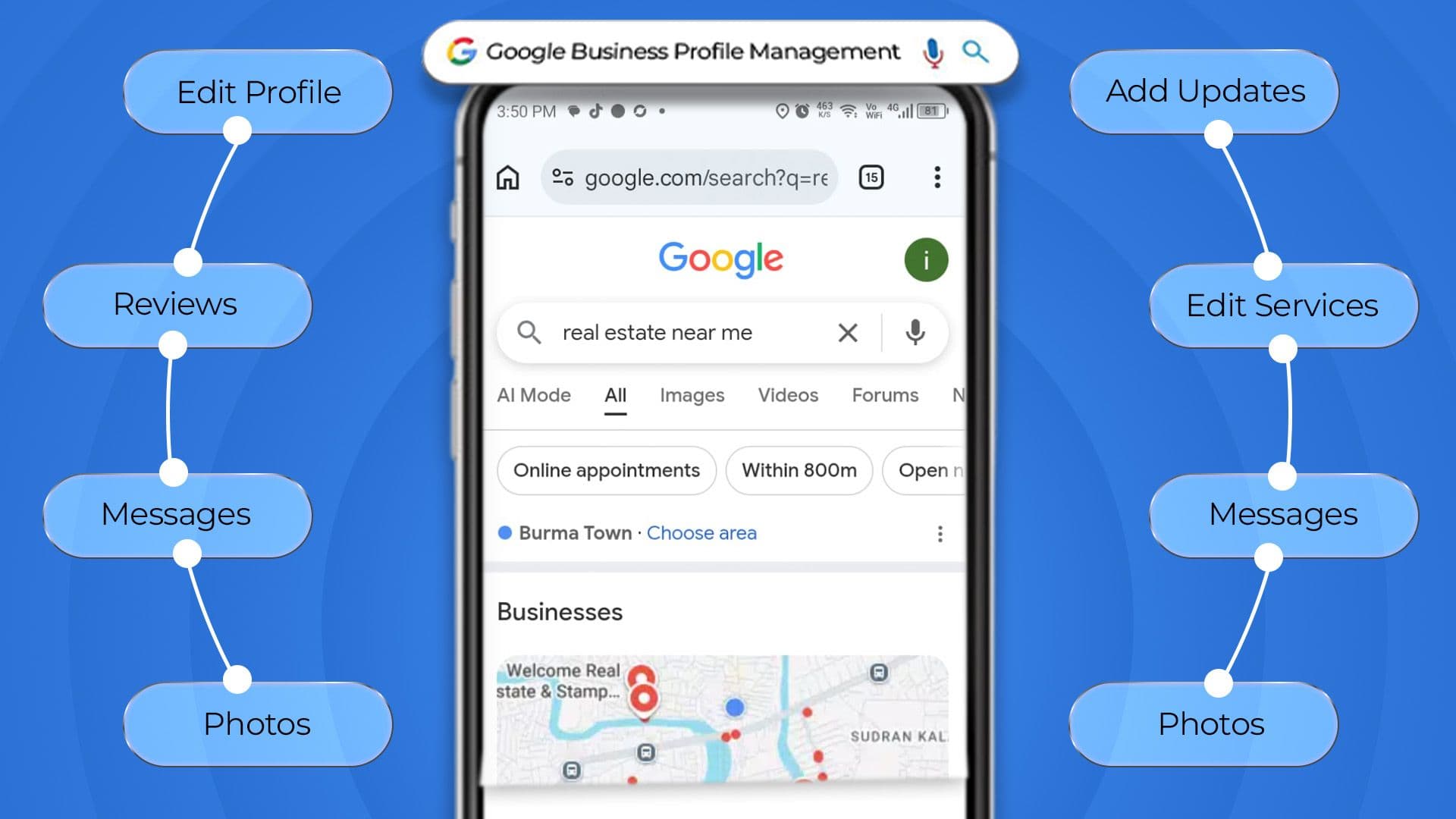
Old pictures also make the place look stale. Reviews that sit there without a reply can turn people away. Posts that never get published do not help either.
Google Business Profile management keeps your listing accurate, active, and optimized through ongoing updates that support local visibility, engagement, and competitiveness. Here’s how it works, task by task.
Key Takeaways
- Complete profiles attract more clicks than incomplete ones.
- Google Business Profile requires ongoing updates.
- Categories, reviews, posts, and photos affect local rankings.
- Regular activity keeps your profile relevant to Google and customers.
- Monthly performance data should guide profile improvements.
Why Google Business Profile Management Matters for Local Businesses
When people search nearby, they often hit a Google Business Profile before they ever click to a site. That profile is one of the first things customers see online.
If it is kept up and accurate, it can make people trust the business. It can also lead to more calls and more requests for directions.
But if the profile is ignored, results can slip. Other businesses usually keep theirs current and stay on top. Over time, that steady activity can help them rank in map results.
How Does Google Business Profile Management Work?
Business profile management is a continuous cycle of setup, optimization, updates, engagement, and performance review. It requires ongoing attention rather than being a one-time task.
Below is exactly what each part of that cycle involves.
1. Google Business Profile Setup and Verification
Start by claiming your profile and verifying your business with Google via phone, email, video, or postcard. It also gives the owner control over its information on Search and Maps.
- Claim or create the listing under the correct business name.
- Complete the verification method. Google assigns
- Confirm ownership access before making further changes
- Remove or merge any duplicate listings that could split visibility.
2. Business Information Optimization
After you check the details, fill in every profile field one time. Make sure each item stays right and up-to-date. Complete information supports better listing performance. Add your name, address, phone, website, hours, and service areas.
- Match the business name, address, and phone exactly across the web.
- Set accurate regular and holiday hours.
- List the correct service area or physical location.
- Add a clear, keyword-relevant business description.
- Update information immediately when anything changes.
3. Business Categories and Services Management
Category selection strongly influences which searches trigger your Google Business Profile listing. Most profile views come from category based searches rather than direct brand name searches. Getting this wrong quietly costs visibility every day it goes uncorrected.
- Choose the most accurate primary category available
- Add relevant secondary categories to widen visibility
- List specific services or products with clear descriptions
- Review and update categories as offerings change
4. Google Business Profile Content and Post Management
Google Posts highlight updates directly on your Business Profile. Regular posting keeps it current. That can help your listing show up better in Google Search. Posting at a steady pace also signals that your profile is being updated.
- Share regular posts about offers, events, and updates.
- Promote new products, seasonal deals, and special offers.
- Give each post a clear call to action.
- Remove outdated promotions to keep posts current.
5. Photos, Videos, and Visual Content Updates
Fresh, authentic photos are a strong local ranking factor and can boost profile engagement. They generally perform better than outdated or generic images. Video adds another layer of trust and engagement on top of that.
- Upload new, authentic photos on a regular basis
- Add location data to images to support local relevance.
- Upload brief videos showing your team, space, or projects.
- Replace blurry, outdated, or off-brand photos.
6. Customer Review Management
When people read reviews, they feel more confident about a business. Reviews can also affect how a place shows up in local Google results. Ask for reviews consistently and reply to every review quickly and thoughtfully.
- Encourage recent customers to leave reviews consistently.
- Respond to every review, positive or negative, promptly.
- Flag fake or policy-violating reviews for removal.
- Address negative feedback with transparency and a solution.
7. Google Business Profile Q&A Management
People can send questions straight through your profile. If nobody answers, the questions stay up. That can put off people who might buy. Managing Q&As keeps customers confident.
- Monitor the Q&A section regularly for new questions.
- Answer questions accurately and promptly.
- Seed common questions proactively with clear answers
- Correct any outdated or misleading answers from other users.
8. Local SEO and Keyword Optimization
Every profile field helps Google understand your business and services. Descriptions, services, posts, and review responses add context and help match relevant local searches. Natural keyword use strengthens this connection.
- Naturally incorporate relevant keywords into your description.
- Target long-tail phrases in your products and services.
- Include nearby neighborhoods, landmarks, or local events.
- Balance keyword use without making the content feel forced.
9. Google Business Profile Insights and Performance Tracking
Google provides performance data showing how customers discover and interact with your listing. Analyze calls, direction requests, website clicks, and search terms. Use this data to find what performs well and what needs fixing.
- Track calls, direction requests, and website clicks monthly.
- Review which search terms are driving profile views.
- Compare performance trends month over month.
- Use insights to prioritize what gets optimized next.
10. Ongoing Profile Monitoring and Updates
A Google Business Profile is never truly finished. Business details, competitors, and Google’s expectations evolve, making regular monitoring and updates important.
- Audit the full profile on a regular schedule.
- Watch for unauthorized edits or suggested changes from users.
- Stay current with new Google Business Profile features.
- Monitor competitor profiles for shifts in strategy.
Common Google Business Profile Management Mistakes
Even businesses that mean well often let a few avoidable mistakes quietly undercut their visibility. Here's where most profiles lose ground.
- Leaving fields like hours, services, or descriptions incomplete
- Choosing broad or inaccurate categories instead of precise ones
- Letting reviews go unanswered for days or weeks
- Posting inconsistently or not at all
- Using outdated or low-quality photos
- Ignoring performance insights instead of acting on them
- Treating the profile as a one-time setup instead of an ongoing task
Conclusion
Keeping a Google Business Profile up to date is something you do over and over. It is not just a setup day and then done. You need to check details often, update what is shown, respond to customers, and handle new reviews.
Doing this on a steady schedule helps your listing stay visible in local search. A profile needs ongoing management to perform well, not just an initial setup. You can assign the work to your team or use a professional service.
Consistent management keeps the profile active and effective. In 2026, that ongoing work will matter for local search results.

Usama Shareef
Usama Shareef is the COO of Mahraj Technologies, bringing strong expertise in SEO content writing, software QA, and development testing. He specializes in delivering high-quality digital solutions with a focus on performance, accuracy, and scalable growth