10 Features of a Business Website That Generates Leads
A lot of websites don’t fail because they look bad. They fail quietly, in that tiny three seconds it takes a visitor to decide to stay or leave.
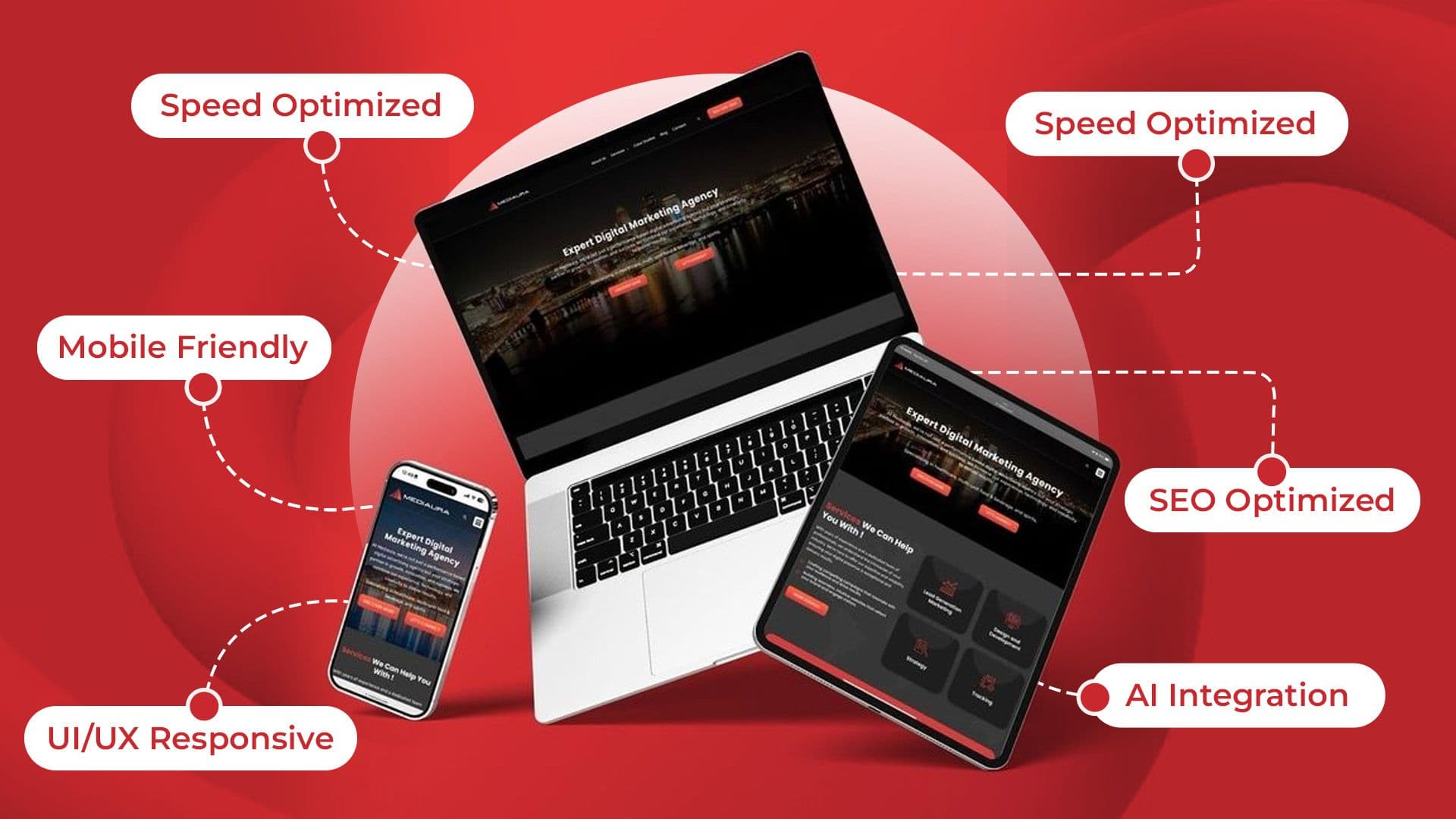
A slow page, a hidden contact form, or an unclear headline can really frustrate ready buyers. And when people can’t find what they need, they might just pick a competitor instead.
This blog highlights the key features of a business website that generates leads and turns visitors into customers. Because a good website should look great and bring in customers.
Key Takeaways
- Attractive design brings visitors, and smart design converts them.
- Fast websites support better conversion rates.
- Social proof builds trust before the decision.
- Mobile optimization keeps visitors from leaving.
- Simple forms turn more visitors into leads.
- Traffic means little if you are not tracking how many visitors convert.
What Makes a Business Website Generate Leads?
A business website that can generate leads removes some of the friction between “I’m interested” and “I will actually do something."
In a good setup, every little element, from the headline to the form field, should steer people to one clear next step.
When a site doesn’t work, it usually piles up too many options for visitors, or it loads too slowly, and sometimes it hides the contact things where nobody looks.
Try to think of your website like an ongoing chat, not a brochure. Because it should naturally handle objections, then guide the visitor toward that decision.
Top 10 Features of a Business Website That Generates Leads
These ten features work together as a system. Miss one, and the rest have to work harder to make up for it.
1. Clear Value Proposition
Visitors kind of decide, in seconds, whether your site is worth it or not. A solid headline should say what you do, who it’s for, and why it actually matters, without making people scroll or having them guess.
Vague “clever” taglines can look neat too, but they rarely convert as well as straight-up, benefit-focused messaging, no matter how “original” it feels.
2. Strong Calls-to-Action
A CTA tells visitors exactly what to do next, such as “Get a Free Quote” or “Book a Consultation.” Make it clear, visible, and easy to act on, not hidden or confusing.
It needs to be visible, very specific, and repeated in natural places as someone scrolls, not only stuck once at the very bottom.
Generic buttons like “Submit” or “Click Here” just waste good conversion chances, and nobody even knows what they’re going for.
3. Conversion-Focused Landing Pages
A focused landing page for one service or offer often performs better. It gives visitors a clear message and one specific action to take.
Remove unnecessary navigation and distractions. Lead visitors directly toward taking action with your business.
4. Simple Lead Capture Forms
Every extra field on a form is like another chance for someone to just give up. So ask only for what you actually need upfront, like name, email,, and phone number, and then keep the deeper questions for the next chat.
Normally shorter forms generate more completed submissions than long, detailed ones, and that pattern shows up a lot.
5. Mobile-Friendly Design
Over half of mobile users leave pages that take more than three seconds to load. And with so many local searches happening on phones, speed can directly impact your business.
A site that isn’t mobile-friendly isn’t just losing a few visitors. It’s losing potential customers before they even see your offer.
6. Fast Page Speed
Page speed has a direct measurable impact on conversions. Studies show that quicker pages can make conversions jump quite a bit, like more than you might think.
When a page loads in about 1 second, it can convert maybe 3× better than a page that takes 5 seconds. And yes, even a 1-second pause can noticeably lower your conversion rate.
This whole thing is not just some technical detail, it's more of a revenue decision.
7. Trust Signals and Social Proof
Reviews, testimonials, client logos, and even certifications build trust. They show people that your business is credible enough and reliable.
Place these trust signals near your calls-to-action. They reduce hesitation when visitors are ready to take action.
8. SEO Optimized Content
Ranking well brings the right visitors to your website. But your content should read naturally, answer real questions, and avoid forced keyword placement.
Clear headings make your pages easier to scan. They also help search engines understand your content and structure more quickly.
9. Live Chat and Contact Options
Some visitors want an instant answer, not a form and a wait. Live chat, a visible phone number, or simple messaging options make it easy for visitors to connect.
They help capture leads who may otherwise leave without taking action, especially for service-based businesses.
10. Analytics and Conversion Tracking
You can’t improve what you don’t measure. So track form submissions, calls, and button clicks to get a sense of which pages and offers actually produce the results.
Then use those insights to steer your time and budget toward what really does the job.
How to Prioritize These Lead-Generating Website Features?
Not every feature carries the same weight. If you can’t fix everything in one shot, start working on it, like first the most important thing and then the rest, like step by step.
- Fix page speed and mobile-friendliness first. A slow or broken experience undermines everything else on the list.
- Sharpen your value proposition and calls-to-action next. These determine whether visitors even understand what to do.
- Add trust signals and lead forms after that. They remove hesitation once visitors already understand your offer.
- Set up analytics early. Track changes as you go to measure their impact.
- Focus on testing one or two features at once. This makes it easier to see what drives results.
Common Website Mistakes That Cost You Leads
A handful of avoidable errors quietly drain leads from otherwise solid websites.
- Burying the contact form or phone number below multiple scrolls.
- Using vague headlines that don't explain what the business actually does.
- Ignoring mobile load times and responsive design.
- Asking for too much information on forms.
- Leaving out reviews, testimonials, or trust signals.
- Never checking analytics to see what's actually converting.
Conclusion
A basic website gets you online. Intentional design turns it into a business website that generates leads. You need a clean message, quick performance, trust signals you can actually see, and a smooth, frictionless route to contact.
Add these ten features to your website. Also fix the small common errors that are quietly costing you traffic. Then turn your site from a digital brochure into something more dependable, a consistent source of new customers and new business.

Usama Shareef
Usama Shareef is the COO of Mahraj Technologies, bringing strong expertise in SEO content writing, software QA, and development testing. He specializes in delivering high-quality digital solutions with a focus on performance, accuracy, and scalable growth